Top 5 Free AI Tools Every Student Should Try in 2025.Top 5 free AI tools that make studies easier in 2025: ChatGPT, Grammarly, Notion AI, Canva Magic Studio, and Perplexity AI. Know their features, student use cases, pricing, advantages, disadvantages, and reviews.
Table Of Content
Table of Contents
Today’s education is not limited to books and copies. Smartphones, laptops, and the internet have given students’ studies a new form. Now, Artificial Intelligence (AI) has brought such tools that are making studies easier, faster, and smarter. The good thing is that many of these tools are available absolutely free.
If you are studying in college or school, doing research, or working on a project, then these 5 AI tools can prove very useful to you. Let’s understand in detail.
Top 5 Free AI Tools Every Student Should Try in 2025
1. ChatGPT (OpenAI)
Key Features
- Easy answers to complex questions
- Drafting essays, assignments, and reports
- Writing and debugging programming code
- Language translation and creating content summaries
Pricing & Plans
ChatGPT’s Free Plan is available, which includes the GPT-4o model. This is enough for students.
Ease of Use & Interface
The interface is exactly like chat. Write the question and get the answer immediately.
Student Use Cases
- Reference points for research papers
- Understanding math or science concepts in easy language
- Practicing language
Performance & Accuracy
Most answers are accurate, but cross-checking facts is a must.
Pros & Cons
24/7 personal tutor-like
Help on almost every topic
Internet browsing limited
Some information may be outdated
Ratings & Reviews
Students rate: (4.5/5)
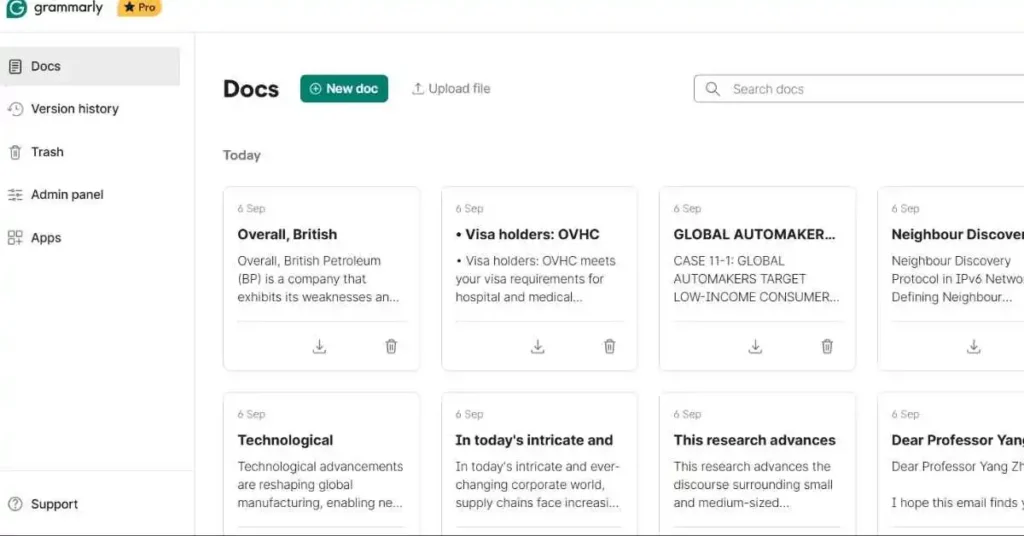
2. Grammarly
Key Features
- Grammar and spelling check
- Tone and clarity correction
- Basic plagiarism detection
Pricing & Plans
Basic grammar and clarity checks are available in the free version.
Ease of Use & Interface
Chrome extension, mobile app, and desktop app run smoothly everywhere.
Student Use Cases
- Polishing assignments and reports
- Making emails look professional
- Improving writing habits
Performance & Accuracy
Gives real-time suggestions. Catches small errors instantly.
Pros & Cons
Easy interface
Multi-platform support
Premium features are paid for
Ratings & Reviews
Students’ opinion: (4.4/5)
3. Notion AI
Key Features
- Summary of class notes
- Creating to-do lists and study plans
- Collaboration for group projects
- Automatic summary of articles and lectures
Pricing & Plans
Notion’s personal plan is free, and it also offers limited free AI features.
Ease of Use & Interface
Digital notebook-like interface. Clean and customizable.
Student Use Cases
- Teamwork in group assignments
- Creating flashcards for exam preparation
- Managing project timelines
Performance & Accuracy
Structures content in a smart way.
Pros & Cons
Notes and tasks in one place
Best for group projects
Limited advanced features
Ratings & Reviews
Students rate: (4.3/5)
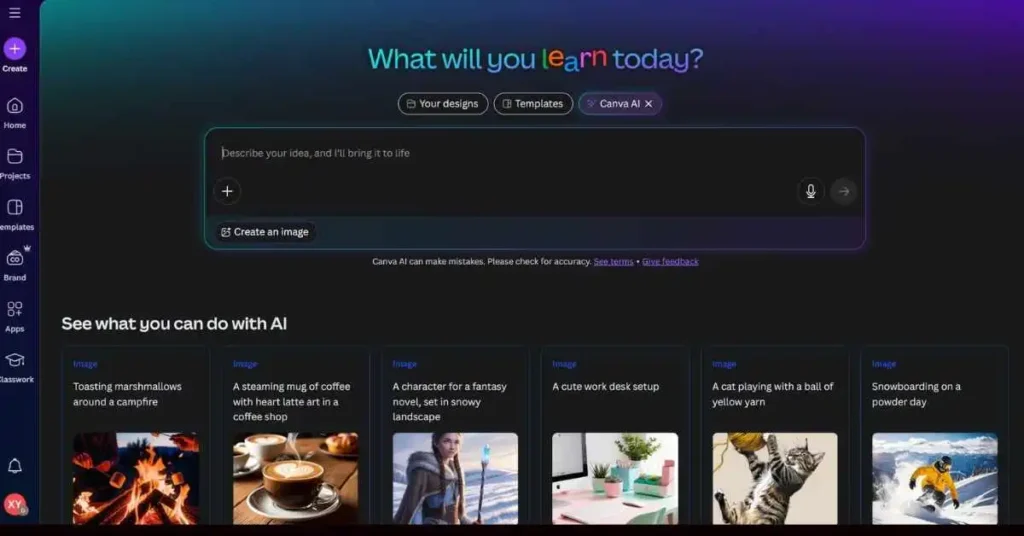
4. Canva Magic Studio
Key Features
- AI-powered Magic Write and Magic Design
- Create posters, slides, resumes, and infographics
- Thousands of free templates
Pricing & Plans
The free version of Canva is quite powerful and includes AI features.
Ease of Use & Interface
Drag-and-drop designing, even beginners can use it easily.
Student Use Cases
- College Presentations
- Student Society Posters
- Resumes and Portfolios
Performance & Accuracy
Templates and auto design are quite practical.
Pros & Cons
Easy and fast designing
Large library of free templates
Some advanced features are paid
Ratings & Reviews
Students’ opinion: (4.6/5)
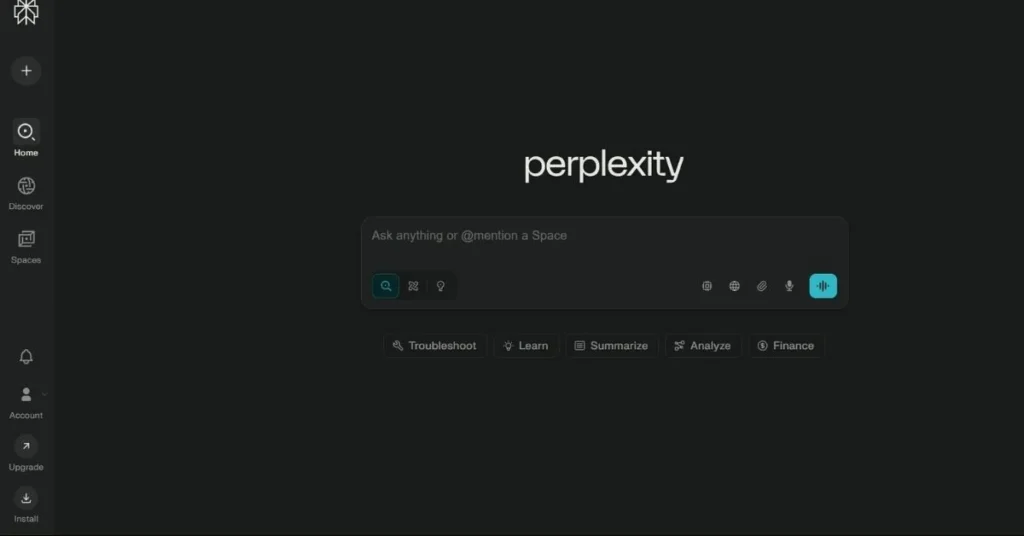
5. Perplexity AI
Key Features
- Real-time search with citations
- Fact-checked results
- Summary of long research
Pricing & Plans
Free version available, with limited daily queries.
Ease of Use & Interface
Search engine-like interface, but answers are direct.
Student Use Cases
- Reliable facts for assignments
- Quick summary of research articles
- Creating a reference list
Performance & Accuracy
More accurate and reliable than other search engines.
Pros & Cons
Citation-based results
Time-saving
Daily query limit
Ratings & Reviews
Students’ opinion: (4.5/5)
Security & Privacy
All these tools have clear privacy policies. However, students should avoid uploading their personal information or the full content of the assignment.
Alternatives
- ChatGPT Alternatives: Claude AI, Gemini
- Grammarly Alternatives: ProWritingAid
- Notion AI Alternatives: Evernote + AI
- Canva Alternatives: Figma Education Plan
- Perplexity AI Alternatives: Elicit.org
Final Verdict
If you are a student and want to make studying easier, then these 5 AI tools are best for you:
- ChatGPT = Personal Tutor
- Grammarly = Handwriting Corrector
- Notion AI = Smart Notebook
- Canva = Creative Designer
- Perplexity AI = Trusted Research Engine
In 2025, a bright student knows how to use innovative tools properly, along with hard work.
As education continues to evolve, students are constantly searching for more innovative ways to manage their studies, assignments, and projects. That’s precisely where technology makes a difference. With the rise of artificial intelligence, learning has become easier, more interactive, and much more personalized.
When we talk about the Top 5 Free AI Tools Every Student Should Try in 2025, we are not just listing apps; we are highlighting the future of student productivity. These tools are designed to help learners save time, stay organized, and achieve better results without unnecessary stress.
The Top 5 Free AI Tools Every Student Should Try in 2025 include platforms that act as study partners, writing assistants, research helpers, and even idea generators. They help students create summaries, draft essays, brainstorm project ideas, and polish their work for better clarity.
Instead of spending long hours searching for information or fixing grammar mistakes, learners can now focus more on critical thinking and creativity. This shift allows them to grow not only academically but also personally.
Another important reason to focus on the Top 5 Free AI Tools Every Student Should Try in 2025 is accessibility. These tools are free, which means students from different backgrounds can benefit equally. Education becomes fairer when advanced technology is available to all without cost barriers.
The ability to ask questions, receive instant explanations, and organize information makes a big difference in exam preparation and project completion.
By exploring the Top 5 Free AI Tools Every Student Should Try in 2025, students also learn how to use AI responsibly. The goal is not to replace learning but to enhance it.
These tools can act as mentors, assistants, and guides, but the real learning happens when students engage with the content. That balance is what makes AI such a powerful addition to education.
In conclusion, the Top 5 Free AI Tools Every Student Should Try in 2025 represent more than just apps; they represent opportunities. They help students unlock their potential, reduce stress, and make learning enjoyable.
By embracing the Top 5 Free AI Tools Every Student Should Try in 2025, learners are preparing for a brighter, more connected, and more successful future.